 ®
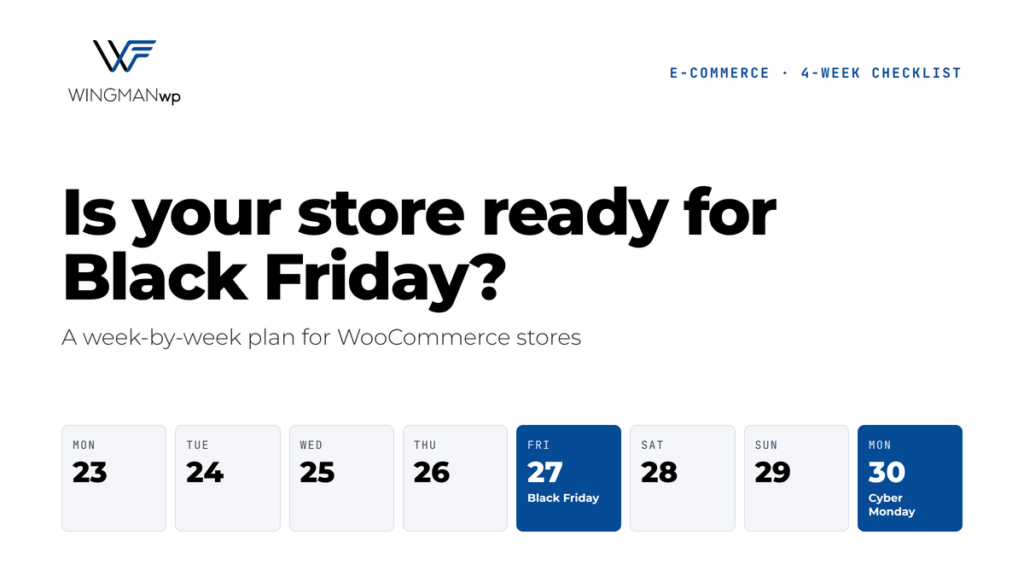
This WooCommerce Black Friday checklist will help you get your online store ready in time. Black Friday falls on November 27 this year, with Cyber Monday on November 30. For most online stores, that long weekend brings more traffic and more orders than any other time of year. It’s also when a slow page, a broken coupon or a failed payment costs the most.
The good news: almost every Black Friday problem can be found and fixed ahead of time. Follow this WooCommerce Black Friday checklist week by week, starting today.
Week 1: Updates and speed
- Get your updates done now. Update WordPress, WooCommerce, your theme and plugins this week, while there’s still time to fix anything that breaks. This includes last week’s WordPress 7.1.4 security release, which attackers are already targeting.
- Test your page speed on your homepage, a product page, the cart and checkout, on both desktop and mobile. Shoppers abandon slow stores quickly, and Black Friday traffic makes slow sites slower.
- Clean up what you don’t need. Remove unused plugins, compress large images, and turn off features you won’t use during the sale.
- Talk to your host. Ask whether your plan can handle a traffic spike, and what happens if it can’t.
Week 2: Checkout and payments
- Place real test orders with every payment method you offer, including cards, PayPal and digital wallets.
- Test your sale setup. Create your Black Friday coupons and scheduled sale prices now, then check that they apply correctly, stack (or don’t) the way you expect, and expire on time.
- Check shipping and tax rules, especially for any new regions or free-shipping thresholds you plan to promote.
- Do it all on a phone. Most holiday shoppers buy on mobile, so walk through the whole purchase on a real device.
- Confirm your emails send, including order confirmations, shipping notices and abandoned cart reminders.
Week 3: Backups and a change freeze
- Take a full backup and test the restore. A backup you’ve never restored is a guess, not a plan.
- Start a change freeze. From now until after Cyber Monday, no new plugins, no design changes and no non-urgent updates on the live site. Only critical security fixes should go through, and only after testing on staging.
- Hold off on WordPress 7.2. The next major version arrives December 8. Even the WordPress WooCommerce project picked that date partly to avoid the Black Friday rush, so there’s no reason to rush it onto your store. (Here’s how to prepare for 7.2 once the sale is over.)
Week 4: Monitoring and a plan B
- Turn on uptime monitoring so you’re alerted the moment the site goes down, not when a customer emails you.
- Watch your orders, not just your traffic. A sudden drop in completed orders often means checkout is broken even though the site looks fine.
- Know who to call. Decide in advance who handles problems at 2 a.m. on Black Friday, and make sure they have access to the site, the host and the payment provider.
- Keep a simple fallback ready, such as a banner or announcement you can switch on quickly if a payment method or shipping option goes down.
Make it a boring weekend (in the best way)
The best WooCommerce Black Friday is one where nothing exciting happens on the technical side: the site stays fast, checkout works, and the only surprise is how many orders come in.
At WingmanWP, we help online stores get there by handling the testing, updates, backups and monitoring behind the scenes, so store owners can focus on the sale itself. If a problem does come up, a tested rollback plan means it’s fixed in minutes, not hours.
Want a second pair of eyes before the big weekend? Contact WingmanWP for a Black Friday readiness review. We’ll check your store’s speed, checkout, backups and update status, and tell you plainly what needs fixing before November 27.
 Ayesha UmarWritten by