 ®
®
Rank Math is one of the most popular SEO plugins for WordPress. This month, attackers broke into the system Rank Math uses to distribute its paid PRO plugin and slipped malware into an official update. If your site uses Rank Math PRO, it’s worth taking five minutes today to confirm you weren’t affected.
What happened
For about 11 hours, from October 15 at 20:02 UTC to October 16 at 07:12 UTC, 2026, some copies of Rank Math PRO version 3.0.123 downloaded or updated from Rank Math’s official servers contained malicious code. This is known as a supply-chain attack: the site owners did nothing wrong. They installed a normal update from a trusted vendor, and the update itself was poisoned.
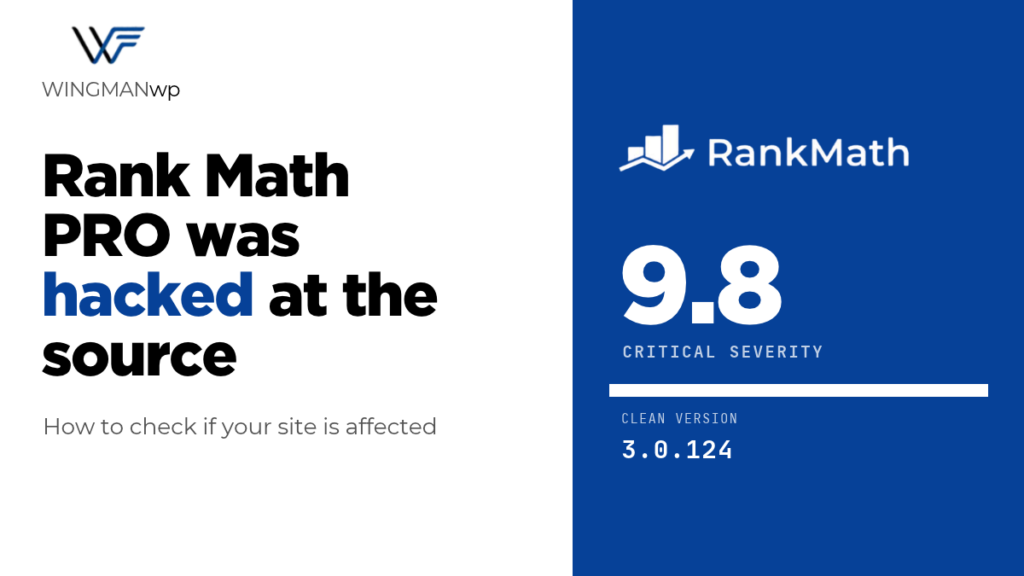
Rank Math removed the infected files and released a clean version, 3.0.124. The issue is tracked as CVE-2026-111862 and rated 9.8 out of 10 (critical).
The free version of Rank Math SEO from WordPress.org was not affected.
Are you affected?
Your site is at risk only if all three of these are true:
- You use Rank Math PRO (the paid version).
- Your site downloaded or updated to version 3.0.123 during the October 15 to 16 window.
- The plugin was activated after that update.
Running 3.0.123 doesn’t automatically mean your site was compromised, but if it was updated during that window, assume the worst until you’ve checked.
What the malware does
This isn’t a minor bug. According to Rank Math, the malicious code gives attackers lasting access to the site, quietly rebuilds its hidden backdoor whenever someone visits a page, and connects to an attacker-controlled domain (rank1cdn.com). It can also expose your database password, API keys and any other secrets stored on the server.
Because the backdoor rebuilds itself, simply updating to 3.0.124 is not enough on a site that was infected. Security firewalls can’t block it either, because the bad code arrived through a legitimate update.
What to do now
- Check your version and update history. In your dashboard, go to Plugins and check your Rank Math PRO version. If you have activity logs or backups, check whether it updated on October 15 or 16.
- If it was installed but never activated: delete the plugin files, install the clean 3.0.124 from your Rank Math account, and run a malware scan.
- If it was activated during the window: treat the site as compromised. Restore from a clean backup taken before October 15, then update to 3.0.124.
- Change every credential. Reset your database password, WordPress admin passwords, and any API keys stored on the site (payment, email, analytics, AI tools). Update your WordPress security keys in wp-config.php so everyone is logged out.
- Look for warning signs. Unknown administrator accounts, unfamiliar files in wp-content/mu-plugins, a file named class-wp-cache-util.php in wp-includes, or new scheduled tasks are all red flags.
If you’re not comfortable doing a full cleanup yourself, get professional help. A partial cleanup is the most common reason hacked sites get reinfected.
The bigger lesson: even trusted updates carry risk
This attack is a reminder that “keep everything updated” isn’t the whole story. Updates are essential, but blindly auto-updating premium plugins straight to a live site means a poisoned release lands on your business the moment it ships.
At WingmanWP, updates for the sites we manage go through staging first, with daily off-site backups we can actually restore from and monitoring that flags unexpected admin accounts or file changes. When something like this happens, that’s the difference between a five-minute check and a full-blown incident.
Using Rank Math PRO and not sure if you’re safe? Contact WingmanWP and we’ll check your site for signs of this backdoor and help you clean up if needed.
Sources: BleepingComputer, SC Media
 Ayesha UmarWritten by