 ®
®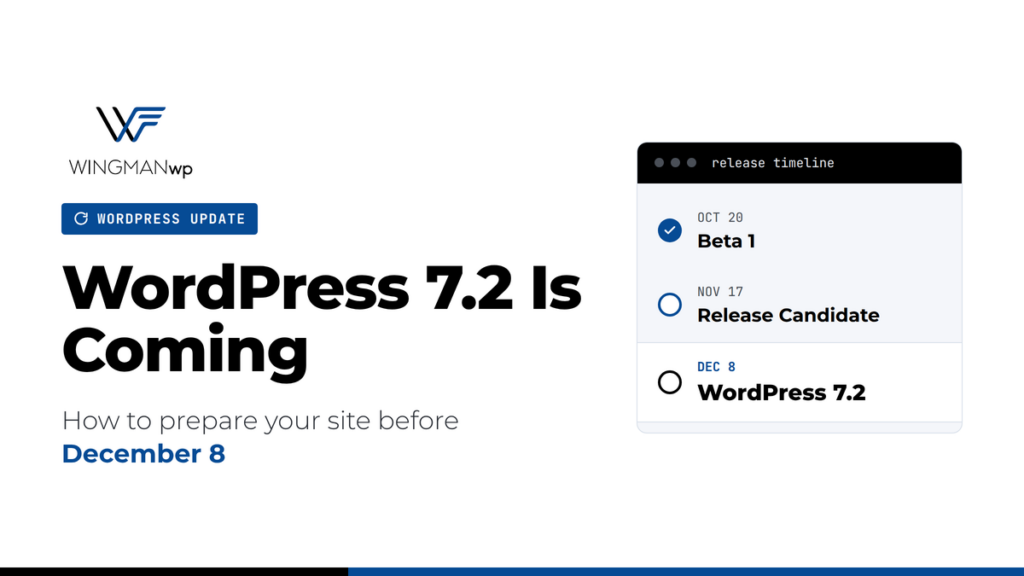
The next major version of WordPress is on its way. WordPress 7.2 Beta 1 was released on October 20, 2026, and the final version is scheduled for December 8, 2026. It’s the third major release this year, and it brings a new default theme, stronger security for API keys and passwords, and more design control without code.
The beta is for testing only and should never be installed on a live site. But now is the right time to plan, so your site is ready when the update arrives.
The release timeline
- October 20: Beta 1 released. The feature list is now mostly locked.
- November 17: Release Candidate 1. From here, only bug fixes are made.
- December 8: WordPress 7.2 final release.
What’s new for site owners
Safer handling of API keys. Today, when you paste an API key into a plugin (for payments, email marketing or AI tools), it’s often stored as plain text in your database, and it ends up in every backup and staging copy. WordPress 7.2 introduces a new Secrets API that gives plugins a standard, encrypted place to store these keys. Your plugins will need to adopt it, so this benefit will roll out over time.
Stronger application passwords. Application passwords let apps and integrations connect to your site. WordPress 7.2 aims to email you when a new one is created, so nobody can quietly add one without you knowing.
A new default theme called Ipsum. It’s a clean, minimal starting point for new sites. If you already have a theme, nothing changes: default themes only apply to new installs.
More design control without code. Buttons, form fields and labels can be styled site-wide from Global Styles, so contact forms and search boxes finally match the rest of your design.
Faster media uploads. Images can be optimized in the browser before upload, which helps keep your media library lighter and pages faster.
Under-the-hood changes. WordPress is rebuilding the code that cleans up HTML in posts and comments. This is good for security long term, but it’s also the kind of change that can affect older plugins and custom code, which is why testing matters.
How to prepare your site
- Take stock of your plugins and theme. Remove anything you no longer use, and note any plugins that haven’t been updated in the past year. These are the most likely to break.
- Check your PHP version. A current, supported PHP version makes major updates smoother. After this month’s critical PHP security release, this is worth confirming anyway.
- Set up a staging site. Test WordPress 7.2 on a copy of your site, not your live one. Check your key pages, forms, checkout and login areas.
- Make sure your backups work. Confirm you have a recent backup and that it can actually be restored.
- Don’t rush on release day. For business-critical sites, wait a week or two after December 8 so plugin authors can release compatibility fixes, or until the first 7.2.1 maintenance release.
- Watch your plugin changelogs. Look for updates that mention 7.2 compatibility or the new Secrets API.
How WingmanWP handles major updates
For the sites we manage, a major WordPress release never goes straight to production. We test it on staging first, check every critical path, confirm plugin compatibility, and only then roll it out, with a tested backup and rollback plan ready. That’s how updates stay boring, which is exactly how they should be.
Want a 7.2 readiness check? Contact WingmanWP and we’ll review your plugins, theme and PHP version, and tell you plainly what needs attention before December 8.
Sources: WordPress 7.2 development cycle, What’s coming in WordPress 7.2 (DreamHost)
Features can still change during the beta. We’ll update this post if anything major shifts before release.
 Ayesha UmarWritten by